
This function inserts a U-shaped expansion loop between two nodes or centered on a single node (creating symmetrical legs). Optimize expansion loop dimensions using Start-Elements: spatial expansion joint analysis.
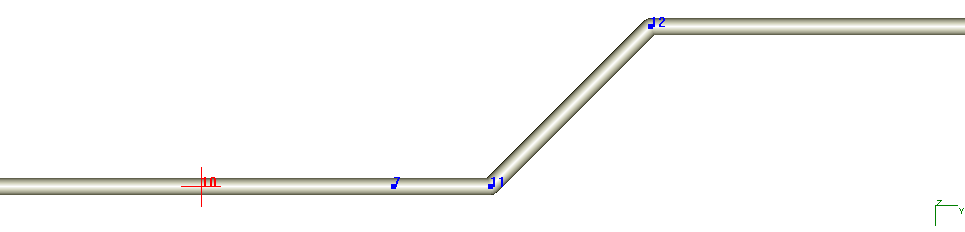
To insert a U-shaped expansion loop:
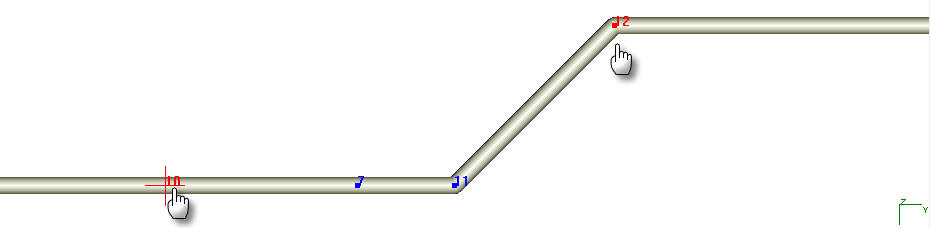
Click  on the edit toolbar
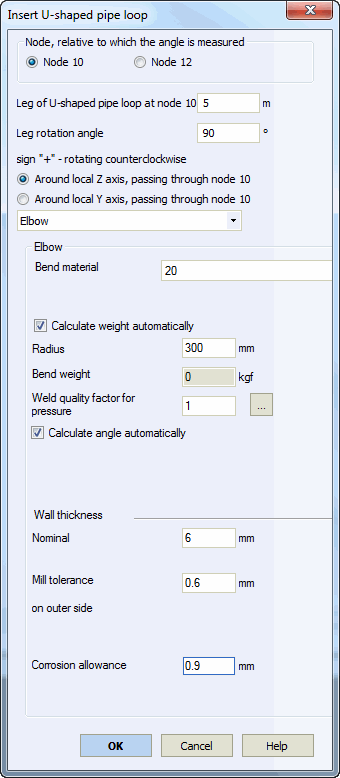
In the configuration dialog, select the reference node for leg angle and length calculations.
Specify leg length and bend angle relative to elements connecting to internal expansion loop nodes (10-7 and 11-12).
Select the bending axis, bend type, and bend properties for expansion loop nodes.
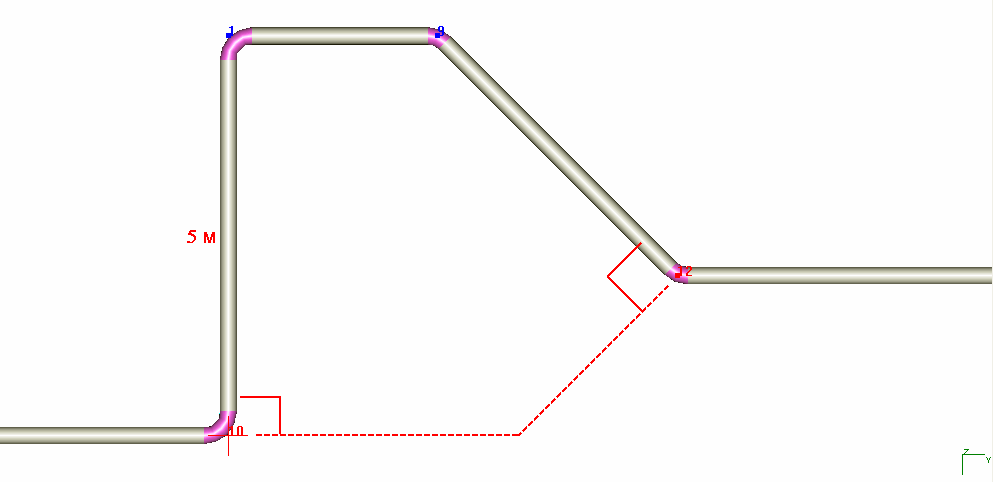
For U-shaped loops on buried elements, soil height at new nodes is linearly interpolated from start and end node values. Subsidence and water height are calculated similarly. More information
Tools > Insert U-shaped Pipe Loop