
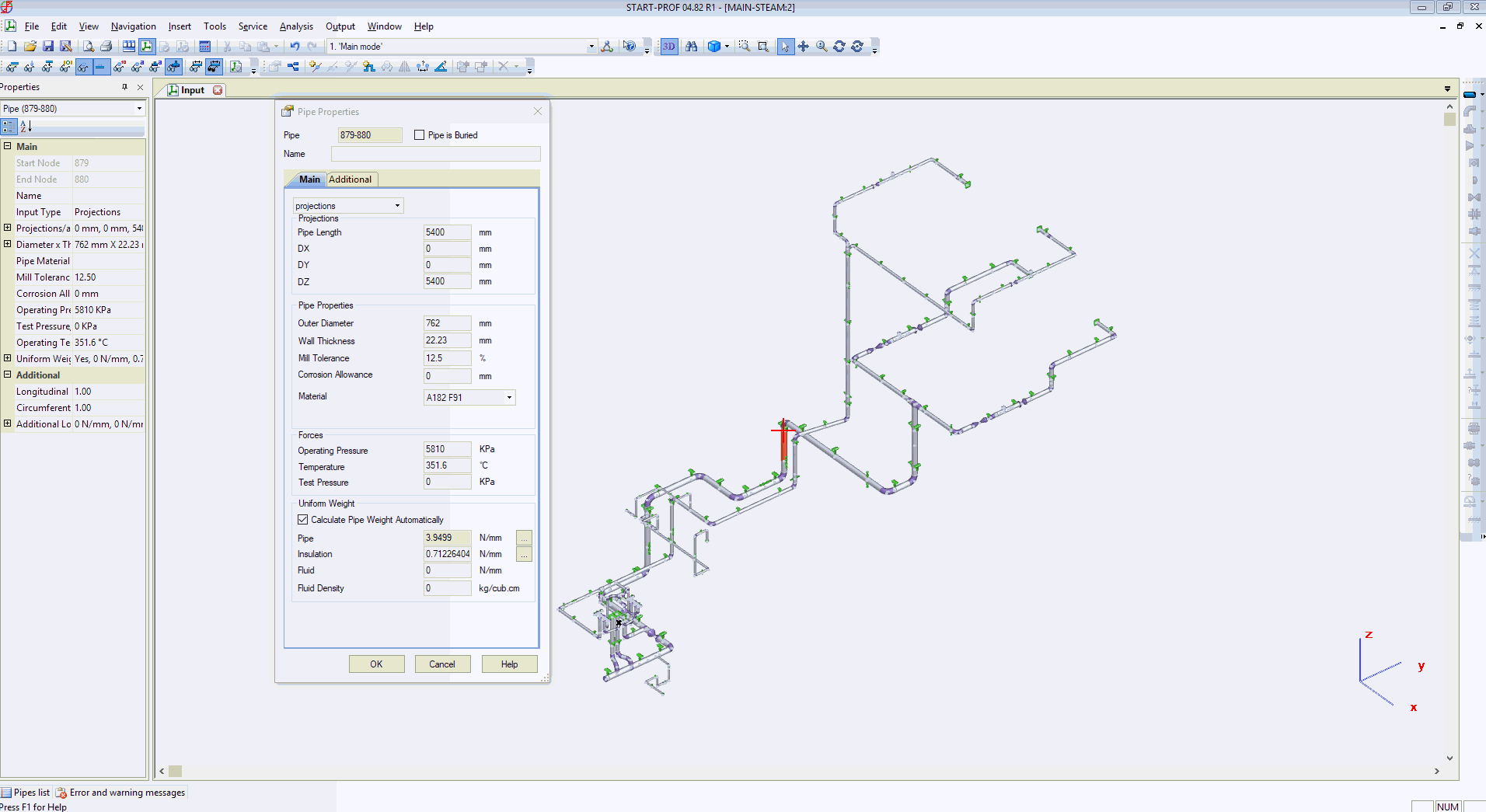
PASS/START-PROF uses a modern object-oriented piping model, while CAESAR II employs a spreadsheet-based approach where users can input data in various formats. The converter successfully imports approximately 90% of piping routes automatically. Some components may require manual completion in PASS/START-PROF after conversion.
Key conversion considerations:
PASS/START-PROF Variable Spring Hangers include rotating rod properties, and Variable Spring Supports include friction by default. CAESAR II requires manual addition of these properties using CNODE elements.
PASS/START-PROF Tee Objects include header and branch length properties with built-in flexibility modeling. CAESAR II tees only provide SIF at intersection points. Modeling additional tee wall thickness or header/branch flexibility in CAESAR II requires manual node addition and thickness modifications.
PASS/START-PROF Nozzle Objects automatically account for nozzle movements from vessel thermal expansion, flexibility, bulging effects, and load verification. CAESAR II requires manual nozzle-vessel modeling using CNODE elements.
CAESAR II allows free-form load case definition, while PASS/START-PROF uses a structured Operation Mode Editor that simplifies load case creation but makes complete automatic conversion challenging.
CAESAR II and START-PROF Differences
CAESAR II and START-PROF Model Verification 1
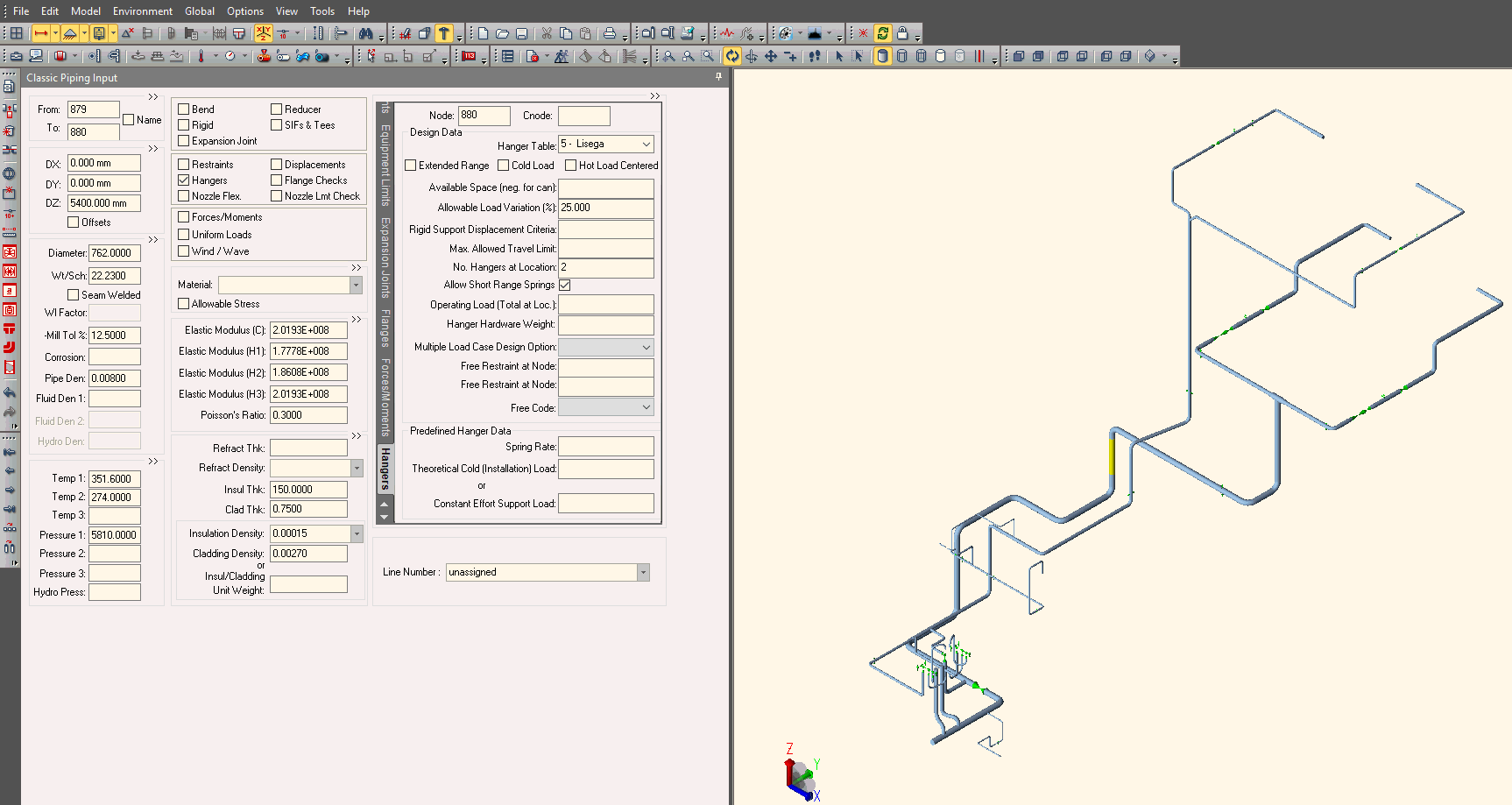
Import piping models from CAESAR II neutral format files (.cii) versions 7 through 15. See Video 1 and Video 2.
First, export your model to neutral format in CAESAR II:
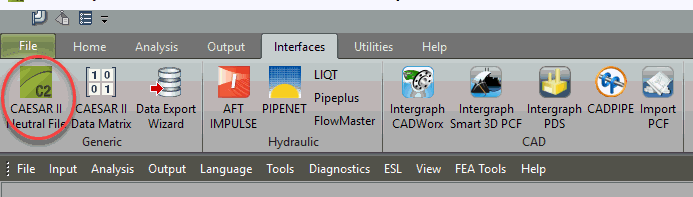
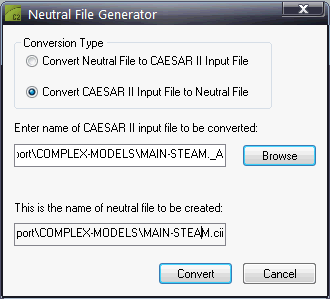
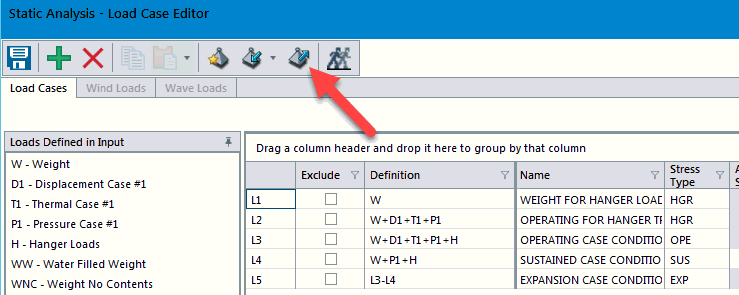
Load cases can also be exported to Excel format:
Import data using any of these methods:
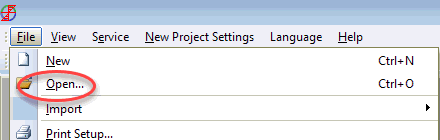
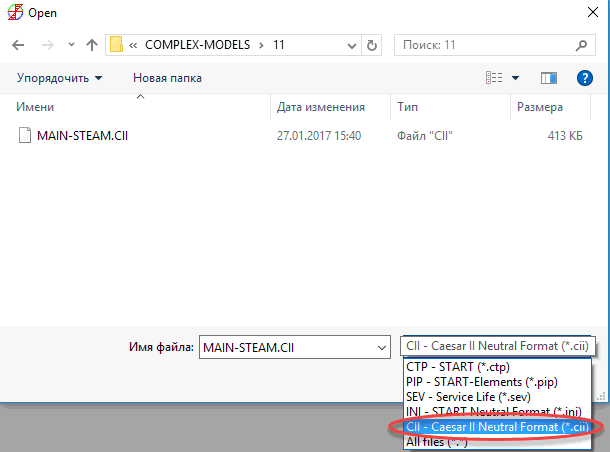
Drag and Drop – Drag .cii files directly into the PASS/START-PROF window
Select File > Import > From Caesar II (.cii)
Specify the Excel (.xlsx) file containing load cases for import (CAESAR v.11 and v.12):
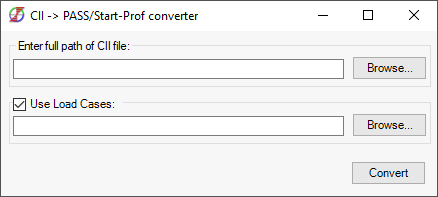
Configure file paths in General Settings.
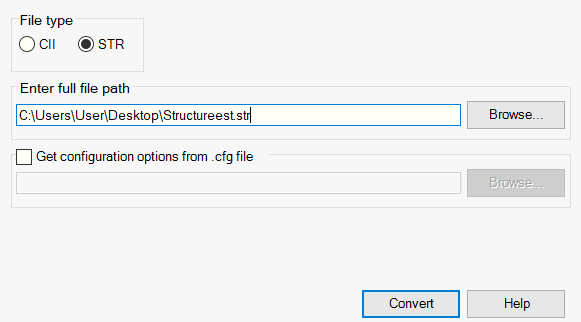
To import structural elements from CAESAR II .str files, select the "STR" option and specify the path to the .str file. You can also drag and drop .str files directly into the dialog box.
The PASS/START-PROF to CAESAR II converter transfers model geometry and properties to CAESAR II v.11 format. Select preferred units for the exported model. Current conversion capabilities include:
1. Pipes and rigid elements
2. Bend types (excluding single miter joints and long radius bends)
3. All tee types
4. All reducer types
5. Valves
6. All joint types
7. Nozzles (WRC 297, PD 5500, API 650)
8. All support and hanger types, including custom restraints
9. All expansion joint types with properties
10. Cold spring (cold pull)
11. Support movements
12. Pipe code for stress analysis
13. Materials
14. Flange leakage check
15. Uniform and nodal loads