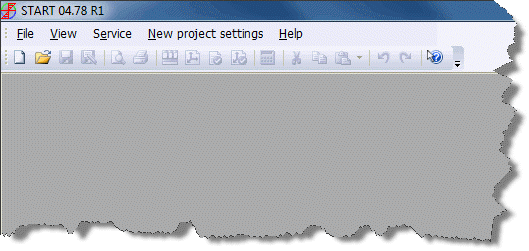
When PASS/START-PROF launches, no projects are open by default.
For first-time users, we recommend these initial setup steps:
After completing setup, create a new project or open an existing one.
Access the new project settings dialog when no project is open.
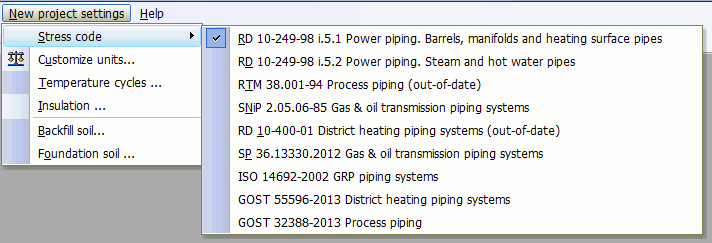
These settings apply to all new projects by default:
Soil codes for foundation and backfill materials
Default insulation type
Default design code
The soil, material, and insulation databases are reference libraries available for viewing and editing.
Review these databases carefully and add materials, properties, or other data as needed for your projects.