 in
the Edit
toolbar
in
the Edit
toolbarCalculate the angle between any two pipe elements, including non-adjacent elements.
To calculate the angle:
1. Select the common node between two elements, or select both elements directly
2. Click in
the Edit
toolbar
The Angle Calculation dialog box appears:
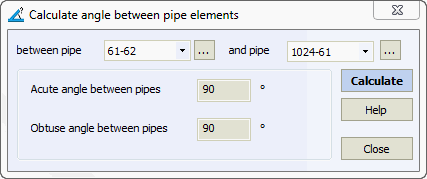
To modify element selection, click  and pick the
desired element in the 3D
View.
and pick the
desired element in the 3D
View.
Service > Angle Between Pipes