Export of waterhammer loads to CAESAR II
The Hydrosystem provides the ability to calculate the unbalanced forces caused by a waterhammer transient process and export the dynamics of their change over time to the CAESAR II software for piping stress analysis. To do this, you must first specify between which points of the pipeline these forces need to be calculated (for more information, see here) and run a waterhammer calculation (for more information on setting parameters for calculating a waterhammer, see here). After completing the calculation, use the corresponding menu command "Analysis – Force Export – Waterhammer – To CAESAR II" to export the calculated forces to the CAESAR II:
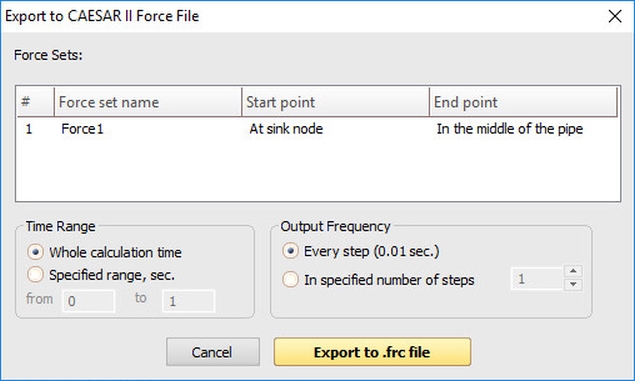
In the export settings, you can specify the time range for which the forces should be exported and the output step. When you click the “Export to .frc file” button, the program will generate a CAESAR II forces file.