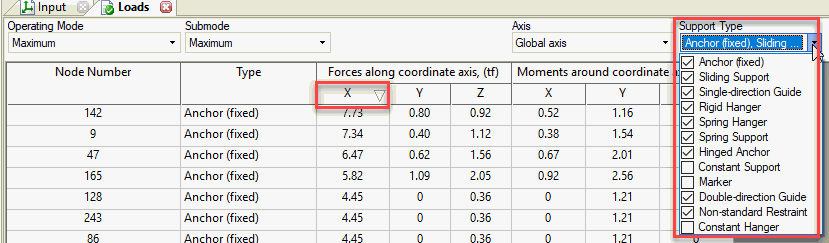
Click the Description column with the left mouse button to sort messages.
Right-click the Description column to access filtering options.
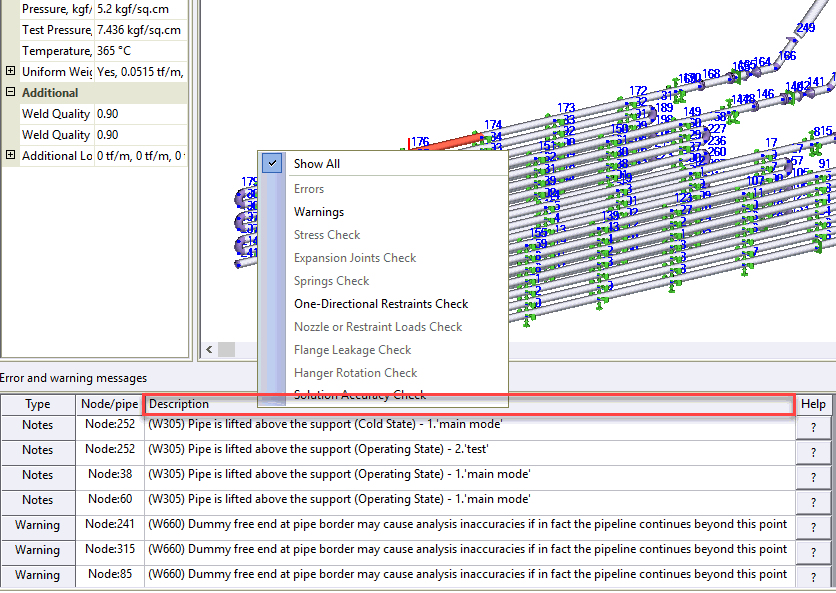
Click any column heading with the left mouse button to sort loads or displacements.
Use the node selection checklist in each table to filter by specific nodes.